Partner resources
Everything you need to recommend WiFi Weave: logos, banners, screenshots, copy you can paste, and videos. Put your partner key in once and every link and text on this page carries it.
Your links
Your key is the part after ?aff= in the link shown on your partner dashboard. Any page on wifiweave.com works with it, so you can send people straight to pricing, a free tool or the signup page. Referrals are credited for 90 days after the click.
- Home page
https://wifiweave.com/?aff=YOURKEY - Pricing
https://wifiweave.com/pricing?aff=YOURKEY - Free tools
https://wifiweave.com/tools?aff=YOURKEY - Free WiFi planner (try without an account)
https://wifiweave.com/free-wifi-planner?aff=YOURKEY - Ekahau alternative
https://wifiweave.com/ekahau-alternative?aff=YOURKEY - Sign up directly
https://access.wifiweave.com/signup?aff=YOURKEY
Copy you can paste
Written to be edited. Say it in your own voice; the facts stay the same.
One-liner
WiFi Weave plans WiFi from a floor plan: upload the plan, the AI places the access points and draws the heatmap in about a minute. Free to try: https://wifiweave.com/?aff=YOURKEY
Short description (50 words)
WiFi Weave is a browser-based WiFi planner for IT teams, engineers and MSPs. Upload a floor plan, let the AI place the access points, and read the coverage heatmap in about a minute. Check voice and data requirements, plan switches and PoE, see Cisco Meraki live status, and export client-ready reports. Try it free: https://wifiweave.com/?aff=YOURKEY
LinkedIn / X post
Before you buy more access points, look at the heatmap. WiFi Weave takes a floor plan and places the APs for you, then shows coverage, capacity and where voice calls will fail. I use it to plan before anyone goes on site. Free to try, no card: https://wifiweave.com/?aff=YOURKEY
YouTube description line
Plan your WiFi from a floor plan with WiFi Weave (free to try, no card): https://wifiweave.com/?aff=YOURKEY
Forum or community reply
For "how many access points do I need", the honest answer is: it depends on the walls and the headcount. Upload the plan to WiFi Weave and let it place them; the heatmap shows you in a minute. Free: https://wifiweave.com/?aff=YOURKEY
Newsletter blurb
Tool of the week: WiFi Weave. Drop in a floor plan (PDF, image or CAD), and it places the access points, draws the coverage heatmap and checks the design against voice and data requirements. There is a free plan and a 7-day Pro trial without a card. https://wifiweave.com/?aff=YOURKEY
Email to a client or colleague
Hi, Before we finalise the access point count for the new office, I ran the floor plan through WiFi Weave. It places the APs and shows the coverage heatmap, and the report is something we can hand over as-is. You can try it on your own plan in a few minutes, free: https://wifiweave.com/?aff=YOURKEY Regards
Key facts to get right
| What it is | A browser-based WiFi planner: floor plan in, access point placement and coverage heatmap out, in about a minute |
|---|---|
| Who it is for | IT managers, network engineers, MSPs and integrators who design, quote or run WiFi |
| Price | Free plan; Basic $29.99/mo, Pro $49.99/mo, MSP $99.99/mo; 7-day Pro trial with no card |
| Stands out | AI placement, requirement compliance (voice, data, RTLS), Cisco Meraki live view, Troubleshoot a complaint, client-ready PDF and PowerPoint reports, imports Ekahau .esx |
| Compared with | Ekahau, Hamina and NetSpot. A fraction of the price of Ekahau with no hardware required |
| Do not claim | Anything the website does not say: no "certified", no "guaranteed" coverage, no partnership with Cisco, Ubiquiti or others |
Logos
Use the logo as supplied: no recolouring, stretching or adding effects. Brand blue is #0066FF, cyan #00B9F2, navy #050A1B. Write the name as “WiFi Weave”.






Banners
Standard sizes. Link each banner to one of your links above. Want a size or message that is not here? Ask and we will render it.
LinkedIn, X, Facebook posts and link cards
Instagram, LinkedIn carousel, community posts
Instagram or YouTube Shorts end card, WhatsApp status

Blog header, website section

Newsletter top image

Website header or forum signature
Sidebar
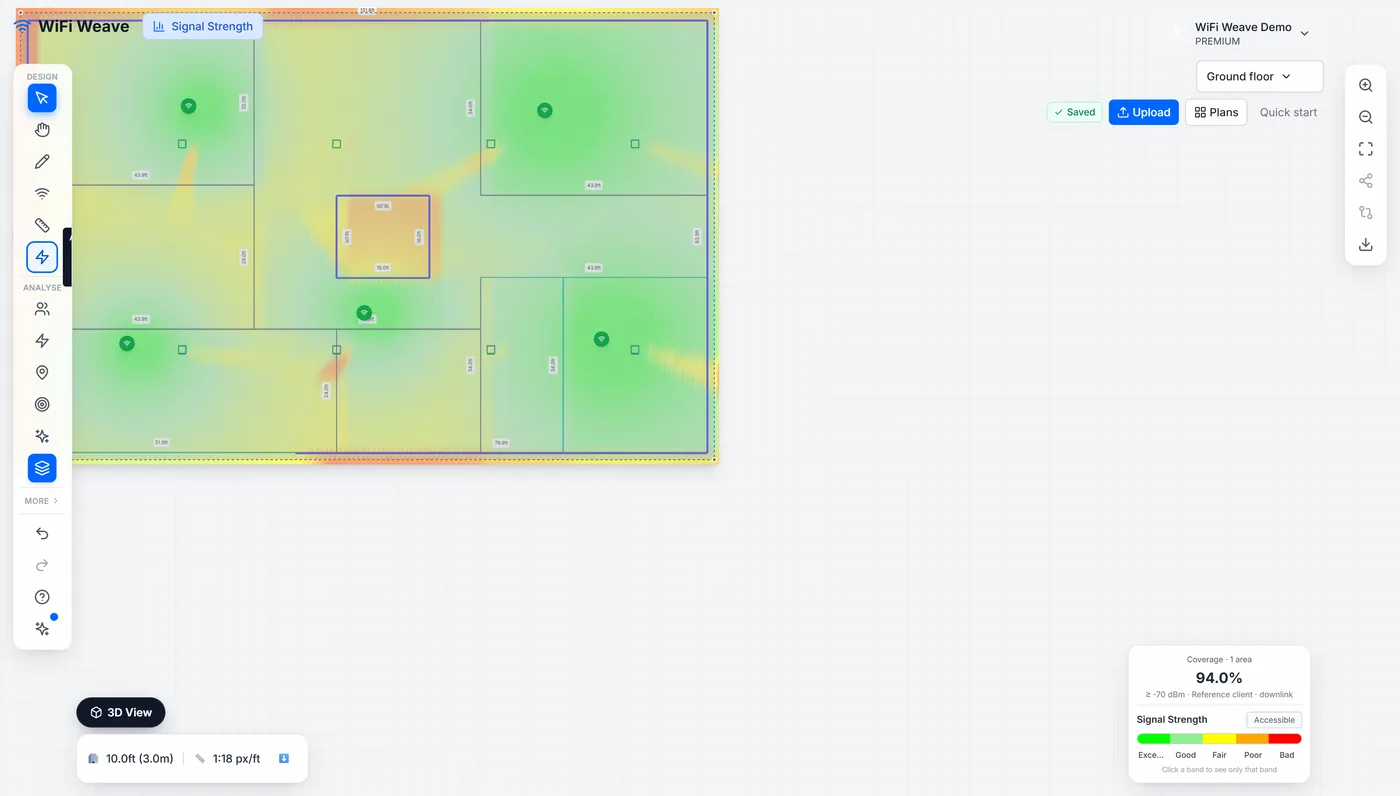
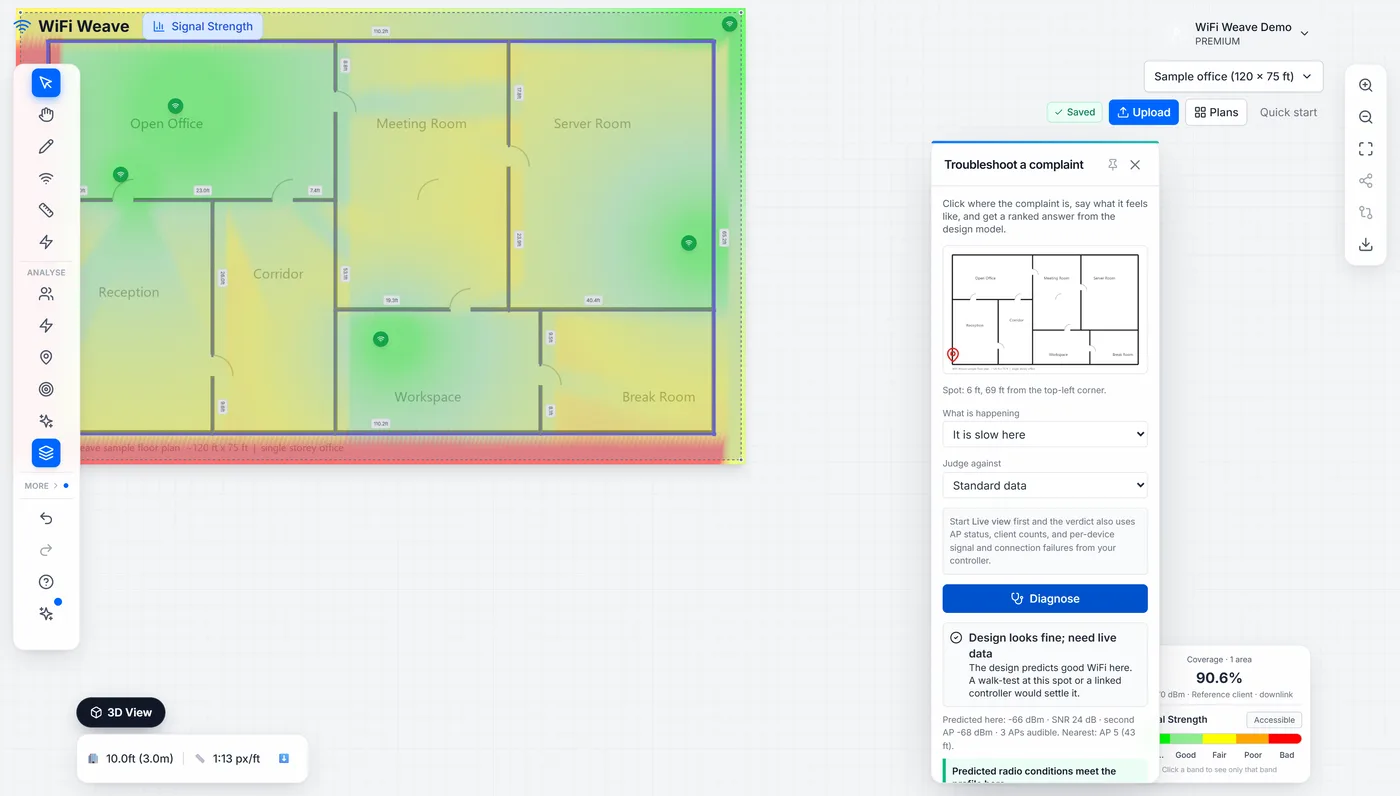
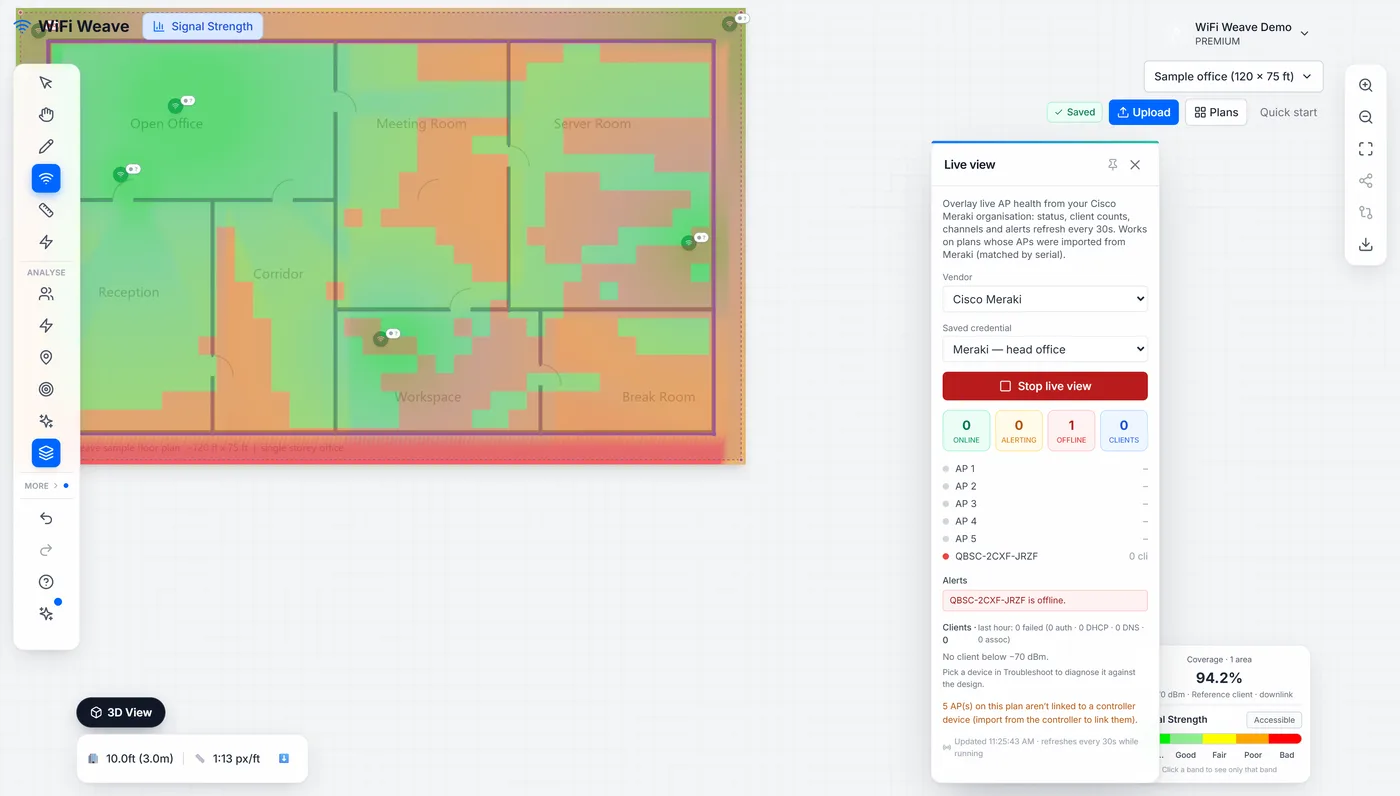
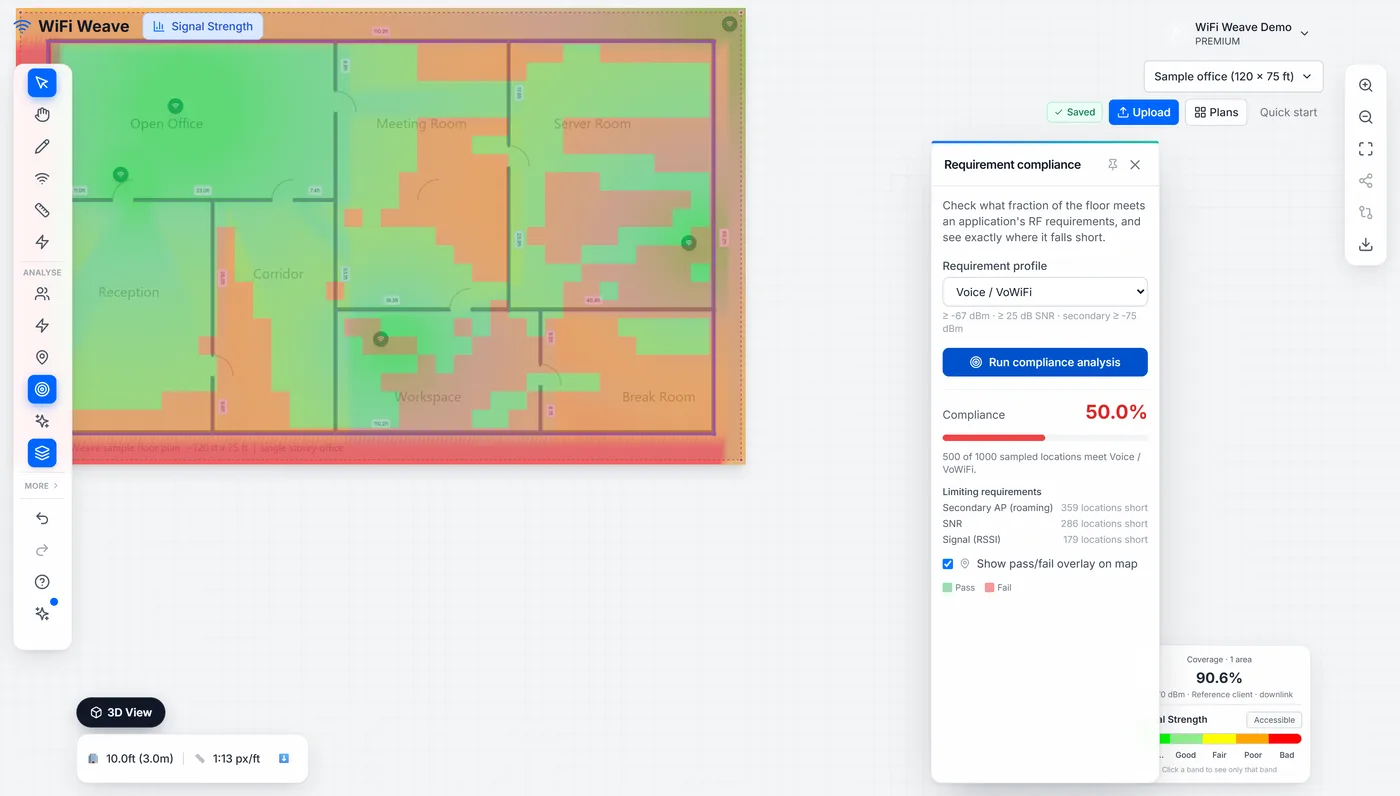
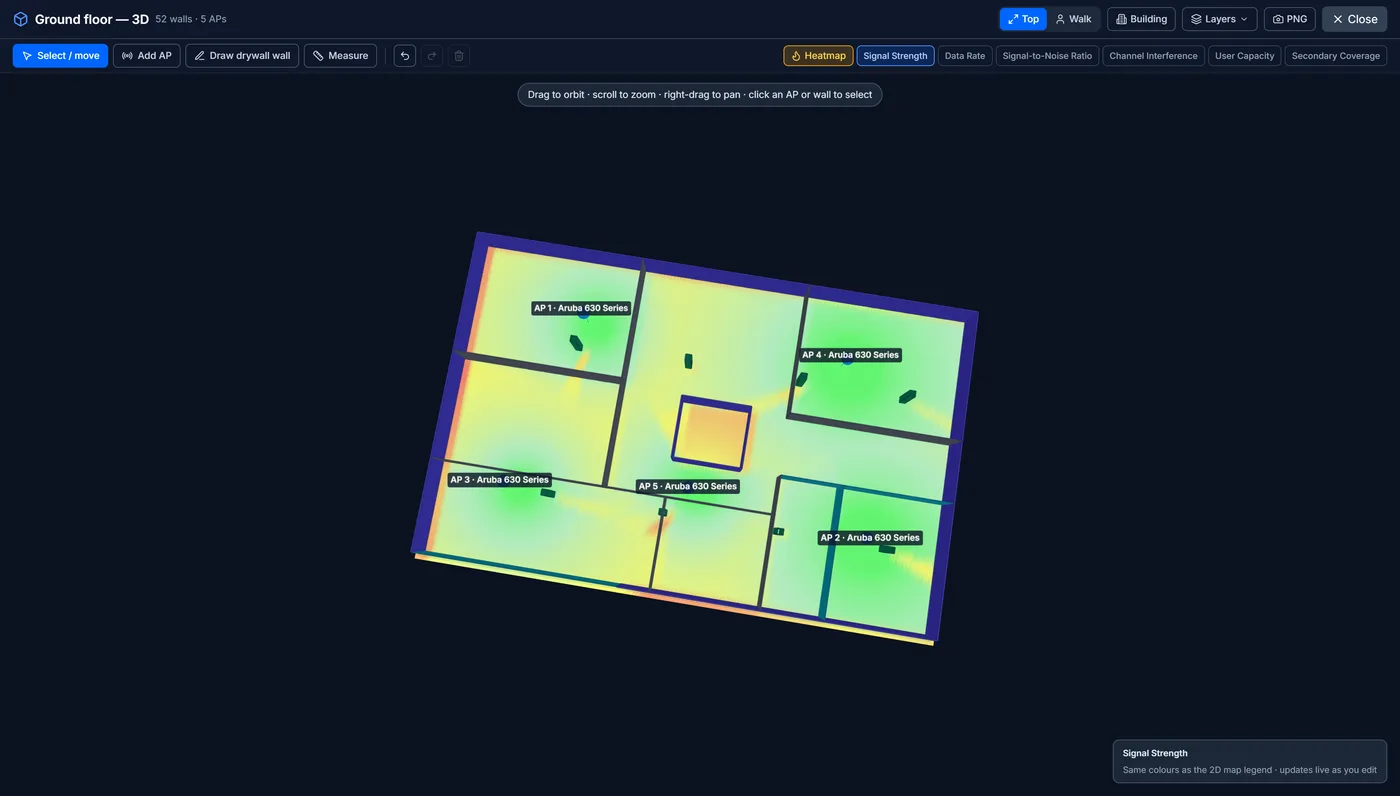
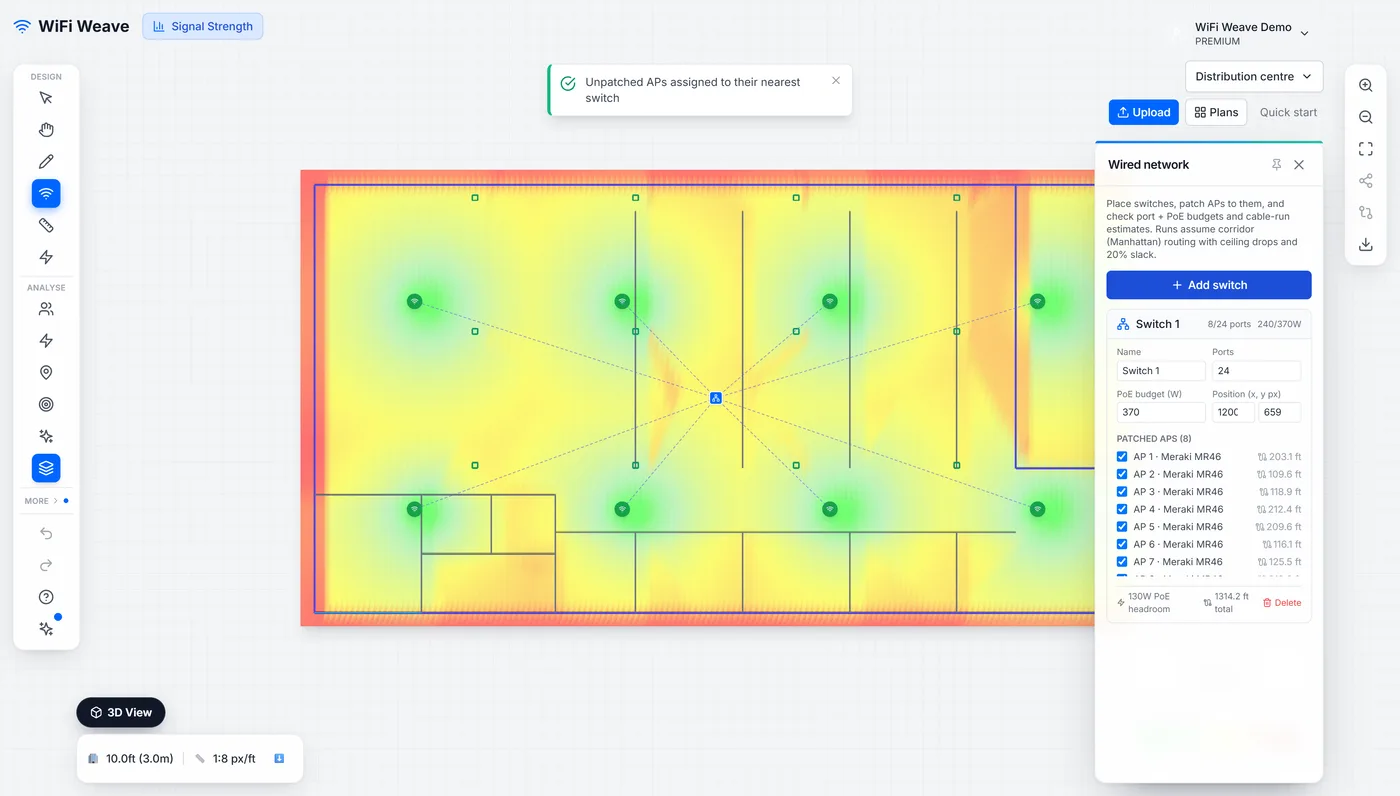
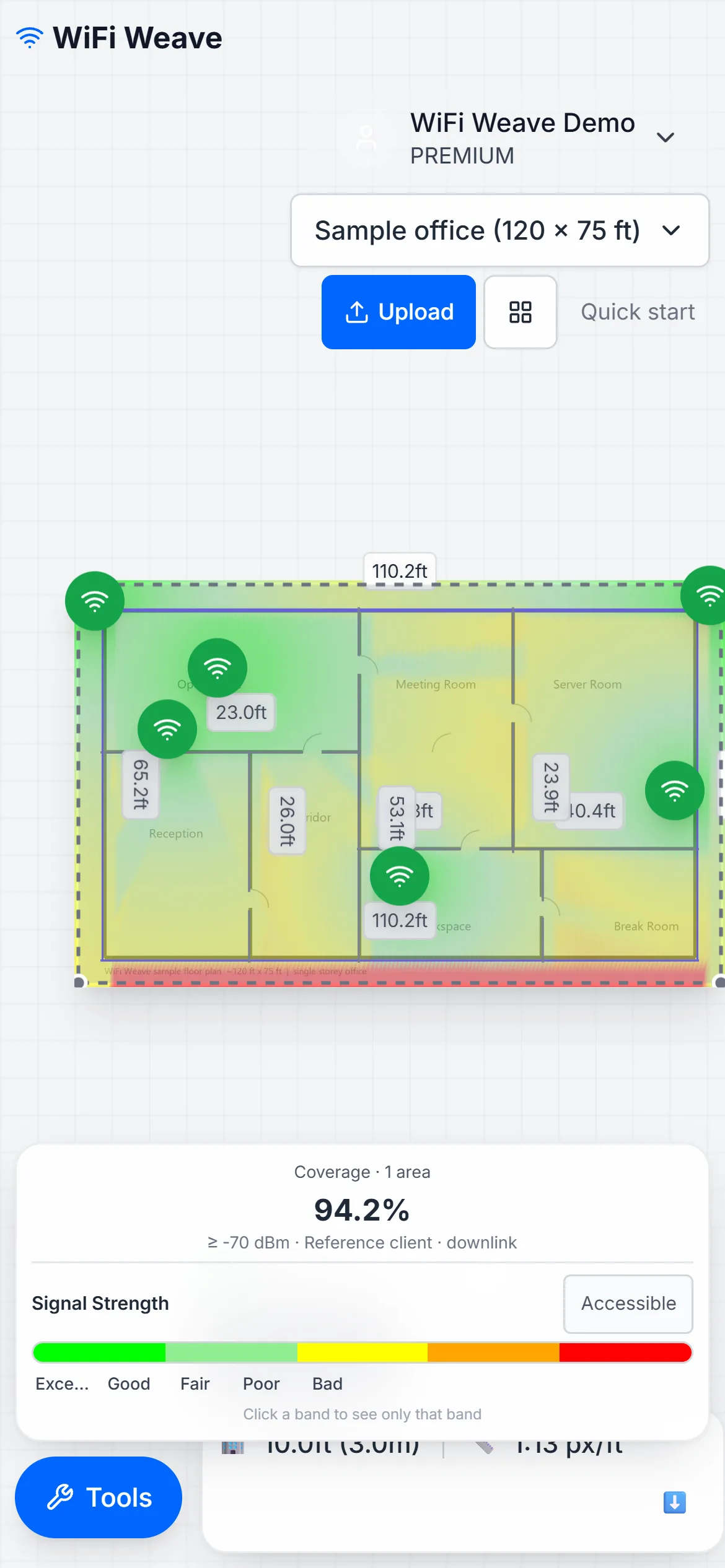
Product screenshots
Current UI, taken from the live product. Crop freely; do not alter the numbers shown.
Videos to share
Short, problem-led videos from our channel. Share the YouTube link with your referral link in the same post; YouTube links themselves cannot carry your key.
- How many access points do I need?
- Quote a WiFi install in 15 minutes, without a site visit
- Ekahau costs more than the job: an honest comparison
- The WiFi is slow: prove where the problem is
- Office, clinic, warehouse: three different WiFi designs
- WiFi is not set and forget
- Is it the WiFi? What WiFi Weave solves for administrators
- Cisco Meraki live on your floor plan
Three rules
- Disclose that you are an affiliate where your market requires it, for example an “affiliate link” note under a video or post.
- No paid-search ads on “WiFi Weave” or similar terms, no coupon or cashback sites, no unsolicited email.
- Only claim what the website says. If you are unsure whether something is true, ask us first.
The full terms are in your partner dashboard. Questions or a custom asset: [email protected]. Programme page: wifiweave.com/affiliates.